














































Table of Contents
Categories
Most Popular


A silent push notification is addressed to your app, not to your customer. It doesn’t carry any text, sound, or a badge. It’s largely useful for updating some information in the app so a customer gets fresh details without waiting.
Suppose a customer opens your app to see their refund status. If they get a spinner and it keeps spinning, it can feel buggy or just slow. It’s long enough to disturb UX and short enough that customers might not tell you exactly why they left.
Silent push notifications are how you win those users back. When a silent push is delivered to your app, it wakes up, fetches the update, and goes quiet again.
By the time a user looks at the screen, they will find an answer sitting there.
What are Silent Push Messages?
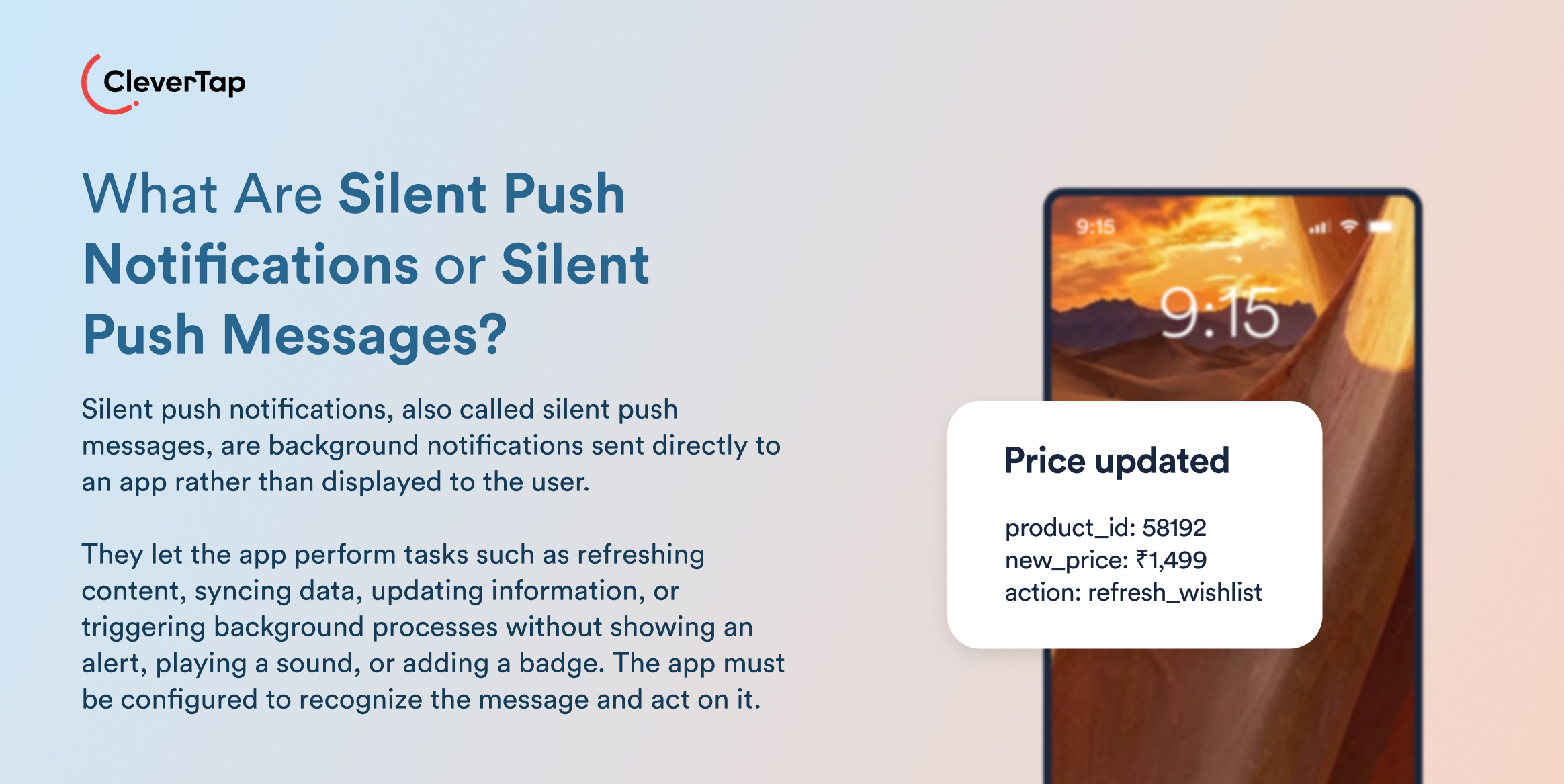
Silent push notifications are background messages that go to an app instead of the user, with no alert, sound, or badge. Each message tells the app to do a task in the background, such as refreshing content or syncing data. Apple calls it a background notification. Similarly, Android has the same thing under a different name: the data message. This message goes straight to the app’s code and never touches the notification tray.
This silent push doesn’t do anything on its own. It only carries an instruction, but your app has to be built to recognize that instruction and act on it. If you send one to an app that was never taught to listen, it would land in an empty room.
Silent Push vs. Silenced Notification
A silenced notification is visible. It arrives without sound or vibration because of a device or user setting, and it still sits in the tray waiting to be read. A silent push is invisible. There is nothing in the tray because there is nothing to see.
How Do Silent Push Notifications Work?
Picture a loyalty program. A customer earns 500 points at checkout, and the app in her pocket is now wrong.
- Something changes in an app: A backend system or customer engagement platform notices the app holds stale information and decides to fix it. This decision becomes a message.
- A data message goes out: On Android, that means an FCM data message: no notification object, delivered straight to the app’s onMessageReceived handler in both foreground and background. An iOS silent push notification travels through APNs with content-available: 1.
- The app does the work: Both Android and iOS cap payloads at 4,096 bytes (4KB), which enforces good manners. It tells the app “the status changed” and lets it fetch the rest from your server. It’s best to just ring the doorbell, without cramming the parcel through the letterbox.
- The customer sees the result. She opens the app, and the points are already there.
This arc, from checkout scan to updated balance, describes how a silent push notification works, except when it doesn’t.
Except when it doesn’t. The platforms make no promises, and they say so in writing.
When Silent Push Notifications Don’t Work
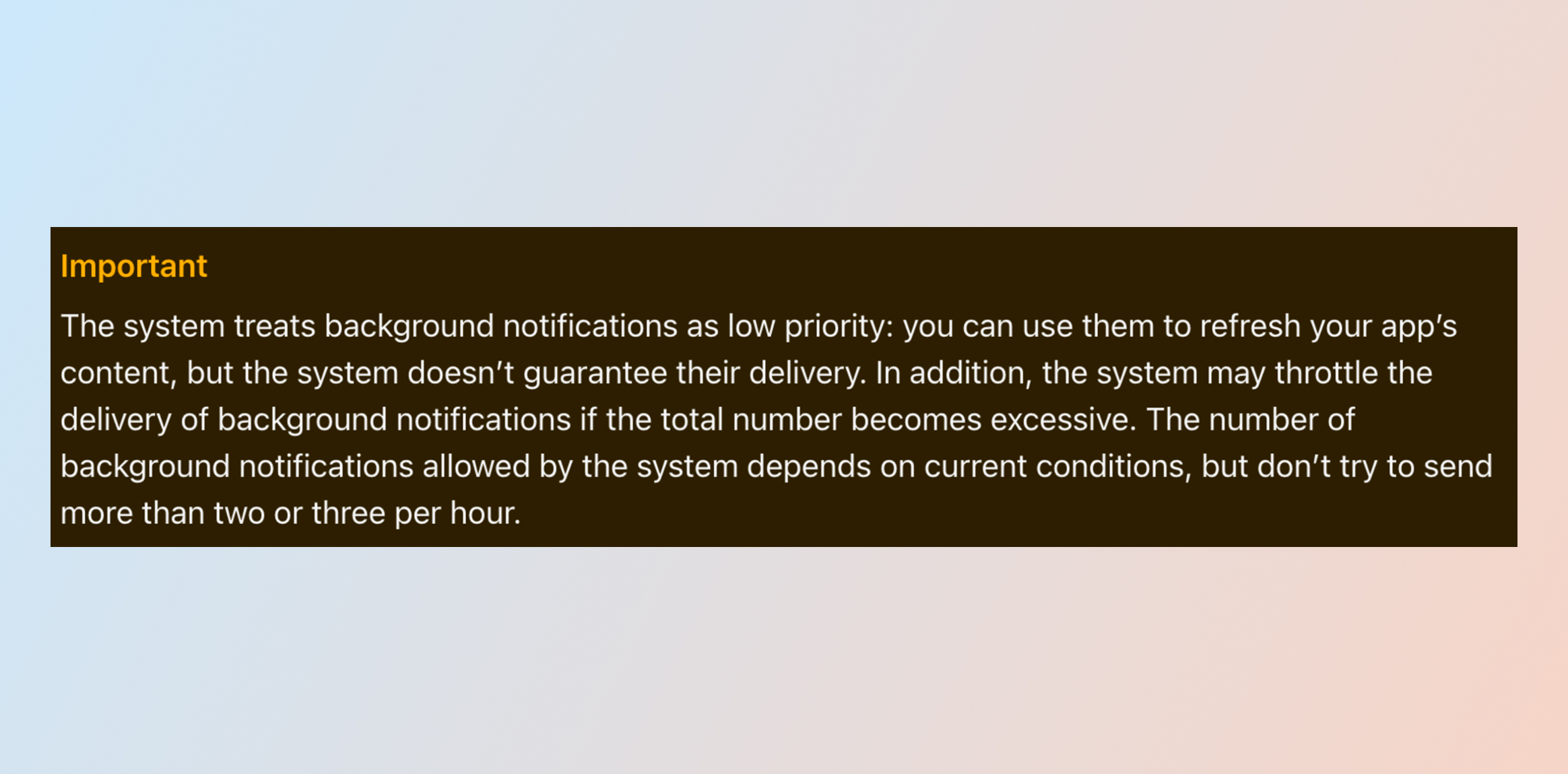
If you scroll through Apple’s documentation, you’ll see that the system doesn’t guarantee delivery of background notifications. It recommends that you should not send more than two or three per hour. Here’s what the recommendation looks like:
Source: Apple
Budget Rules Apply
Your silent pushes might behave flawlessly in development because development is exempt from the rule. Production is where the budget applies. It’s best to test on real devices, in release builds, before trusting anything.
The Priority Trap
You might want to send silent pushes at high priority. But it’s not what Apple and Google encourage. High-priority messages on Android are meant for time-sensitive, user-visible content and should result in a user-facing notification. If FCM detects a pattern in which messages don’t result in user-facing notifications, your messages may be deprioritized to normal priority or delegated to Google Play Services for handling.
Misusing priority today taxes your genuinely urgent messages tomorrow. Normal priority is the correct setting for a silent push on Android.
Apart from these factors, app inactivity and force-quits (swiping an app away from the app switcher) can prevent delivery of these notifications.
How Silent Push Benefits a Brand and Its Users
Silent push notifications arrive between sessions rather than during them. They keep the content fresh while ensuring users face fewer unnecessary interruptions. It gives a better experience to the user.
The app and campaign activity stay better coordinated, and there’s less risk of stale information. Apart from experience, users benefit indirectly from these silent push notifications. All of your personalization logic operates on the most up-to-date details in the app. It keeps your personalization campaigns relevant, triggered at the right time, and based on the right context of what changed or got updated.
You get to keep hyper-personalized experiences ready for your users whenever they fire up your app. It delivers great results.
It might be useful to check how Cleartrip, a travel app, achieves 5x more cross-sells with personalized omnichannel marketing campaigns.

Common Silent Push Notification Use Cases and Examples
Silent push notifications exist as a quiet channel to protect the loud ones that engage customers. Every unnecessary alert you replace with a background update defends the alerts that matter.
Feature flags, pricing rules, and campaign settings are the least glamorous use case and the cheapest win. Here are a few more:
Refreshing App Content
Catalog changes, price drops, live scores, and editorial updates can all land before the customer opens the app. However, these updates might not need to be high-frequency.
Vinny DaSilva, a Senior Developer Relations Engineer Manager at Google, offers a useful test at I/O 2022. He encourages people to think in terms of an actionable rate. If something changes now, how long is it acceptable before the customer needs to know? This number should set your cadence.
Synchronizing Customer and Account Data
Loyalty balances, subscription status, and wallet state all go stale quietly. A customer who sees last week’s points balance does not file a bug. They just trust the number less.
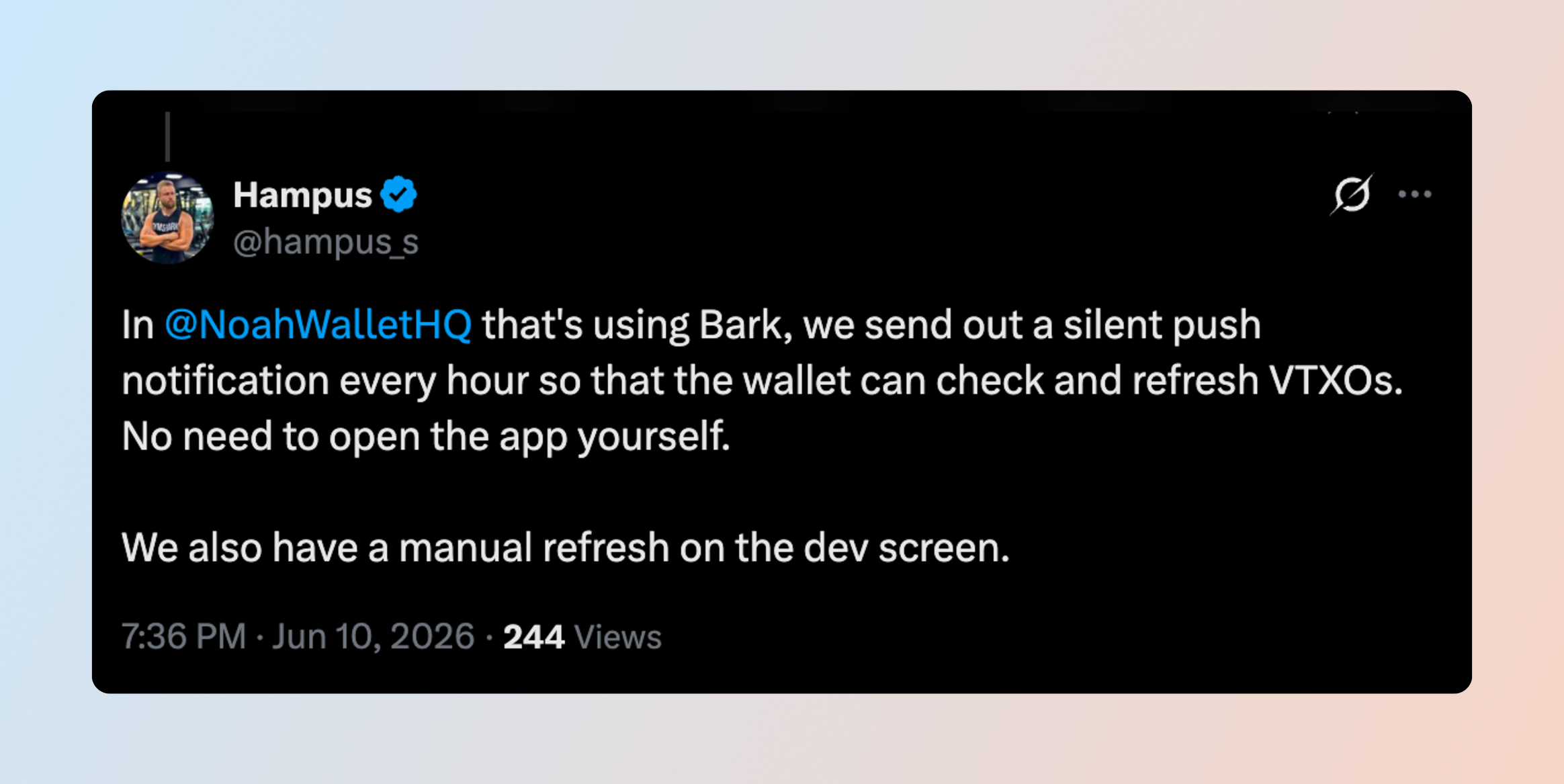
Hampus, an engineer at the Noah bitcoin wallet, described his team’s approach on X: an hourly silent push so the wallet refreshes itself, plus a manual refresh as backup.
Source: X
Preloading Content and Personalizing Experiences
If your recommendation engine has already chosen a hero banner for someone, a silent push can bring it down before the session starts. The customer opens to a home screen built for them rather than one building itself in front of them.
Supporting Device Reachability Analysis
If a silent push fails, there can be a reasonable hint that the app was uninstalled. However, treat it as a clue rather than a fact. Other factors, such as app inactivity or force quits, might also contribute to an app not responding to the payload in a silent push notification.
How Do You Measure If a Silent Push Landed Effectively?
There’s less clarity on accepted silent push completion rates. The platforms can tell you a push left. Only your app can tell you the work landed.
So instrument the app across four layers:
- Task completion: raise events for message received, task started, task completed, and task failed.
- Freshness: track successful refresh rate and the lag between a backend change and the app syncing it.
- Readiness: track time to usable content and the share of sessions opening with current information.
- Downstream behavior: measure opens, engagement, and conversions against control groups, because attribution for an invisible message must be earned, never assumed.
Measured this way, silent pushes justify themselves quickly, because their best jobs sit at the heart of retention.
On CleverTap, after completing the update, the app raises an event like “Silent Push Received” or “Background Update Completed/Failed”. These events flow back into CleverTap Analytics. It gives a visible scoreboard to a rather invisible channel.
How to Run Silent Push Notifications With CleverTap
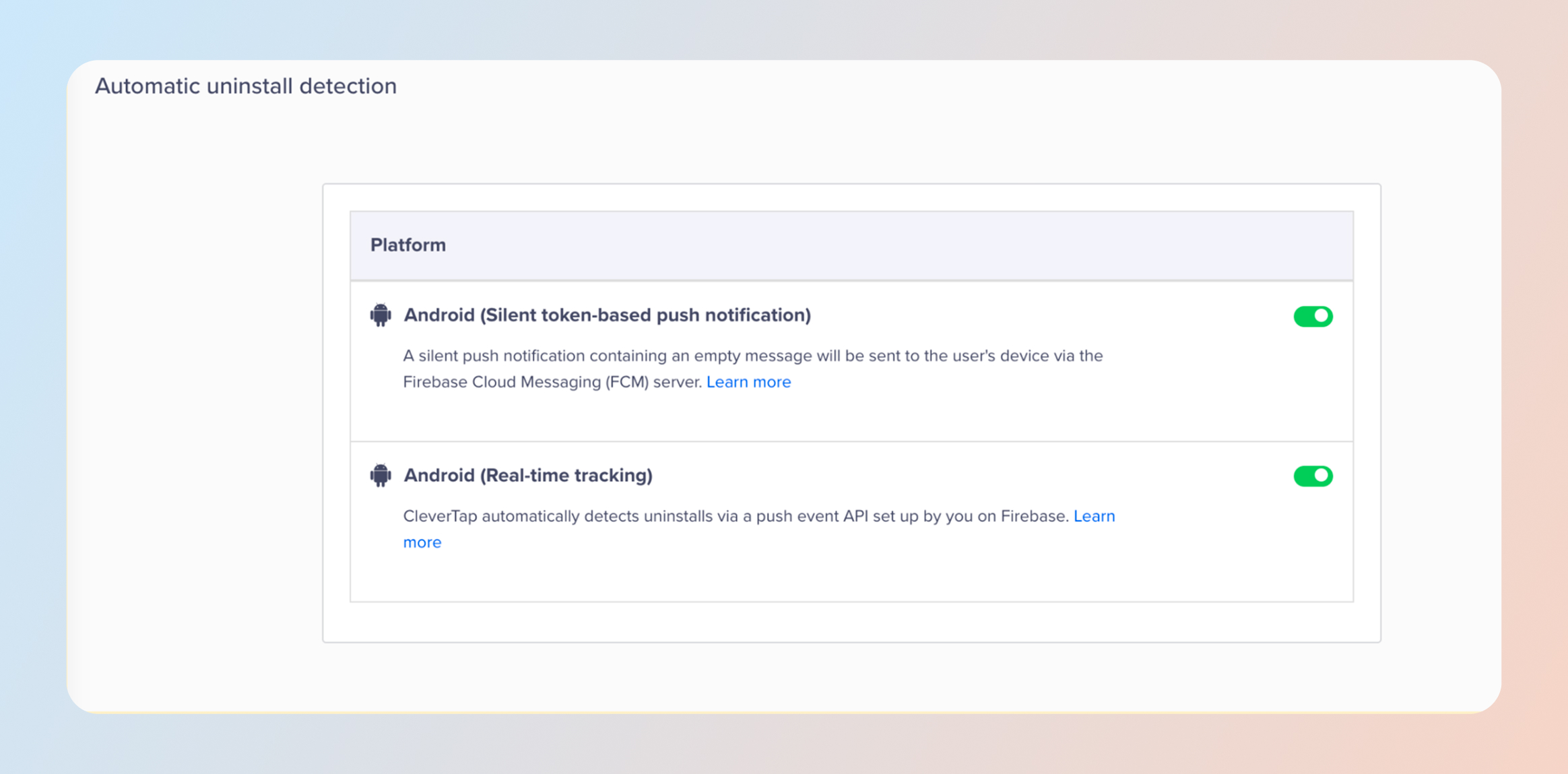
CleverTap already operates silent push at production scale. Turn on Real-Time Uninstall Tracking, and CleverTap collects a silent push token for each Android device, then sends a daily invisible FCM notification to check reachability. When FCM began expiring 270-day-stale tokens, CleverTap stopped marking those devices uninstalled, precisely to avoid inflating churn numbers.
*Apple’s changes to the Apple Push Notification service (APNs) mean no platform can reliably identify uninstalls on iOS devices. To keep your data accurate, CleverTap retired iOS uninstall tracking on 20th Jan 2026 instead of reporting unreliable numbers. Push notification delivery and every other CleverTap feature work exactly as before.
For campaign-driven background updates, the working sequence looks like this:
- Wire Up Delivery: Integrate the CleverTap Android SDK, upload your FCM credentials, and confirm token collection per the Android push documentation. Then test on real devices in release builds, remembering the debugger exemption above.
- Write the Contract: Marketing, product, and engineering agree upfront on what triggers the push, what the app should do, what data the payload carries, and how the app will record success or failure. The loyalty example works: points land, and the push tells the app to refresh the rewards balance.
- Load the Payload: Custom key-value pairs travel with a push invisibly, which makes them the natural vehicle for instructions like action_type, content_id, or expiry_time (illustrative fields, not required CleverTap fields). Pair Android “priority”: “normal” with apns-priority: 5.
- Target by Change: The best silent push audiences are defined by what just moved: customers whose order, loyalty, subscription, or account information changed. CleverTap segments on past behavior, real-time events, user properties, lifecycle stage, and reachability.
- Trigger it: Send immediately, on a schedule, from an event, after inactivity, or as a step inside a Journey. Event triggers fit best, since the whole point is reacting to change the moment it happens.
- Close the Loop: The app validates the instruction, performs the update, displays nothing, and raises an event either way: Silent Push Received, Background Update Completed, or Background Update Failed. Those events flow back into CleverTap analytics, giving the invisible channel a visible scoreboard.
Silent Sets the Table, Visible Rings the Bell
A customer’s personalized offer changes. A silent push updates the offer data inside the app. A visible push then announces it. The customer taps and lands on a screen that is already correct, with no spinner standing between curiosity and conversion.
CleverTap measures the full arc, from send to background completion to open to conversion. Real-time segmentation picks who qualifies, event-triggered campaigns fire the silent leg, and Journeys sequence the visible follow-up.
Throttling keeps cadence inside the platform budgets described above, and CleverAI sharpens timing and audiences as results accumulate.
See what coordinated Android push can do for your numbers
FAQ’s About Silent Push Notifications
Q1. Are silent push notifications visible to users?
No. A silent push shows no alert, plays no sound, and adds no badge. The customer sees the result of the update, never the message.
Q2. Do silent push notifications appear in the notification tray?
No. Apple requires that these messages carry nothing that would trigger a user interaction, so there is nothing to display. A notification sitting quietly in the tray is a silenced notification, which is different.
Q3. Are silent push notifications guaranteed to arrive?
No, and both platforms say so. Apple does not guarantee delivery and holds these messages back based on device conditions. Google’s own delivery percentages do not add up to 100%. Design for absence and refresh on open.
Q4. What is an Android data-only push notification?
It is Android’s name for a silent push: a message carrying an instruction and no visible content. It goes straight to your app rather than the notification tray, and your app is responsible for acting on it.
Q5. Can silent push notifications improve app performance?
They can help an app open with content already prepared, which usually feels faster. They cannot promise it. Results depend on your build, the device state, and platform conditions on the day.
Q6. How does CleverTap support Android silent push notifications?
CleverTap sends Android push through Firebase and carries custom key-value pairs that stay invisible to the customer. It exposes expiry and throttle controls on campaigns, and documents silent push for Android uninstall tracking. RenderMax and Pull Notifications address the Android delivery problem underneath all of it.

Sagar Hatekar 
Leads product managementExpert in Marketing Analytics & Engagement platforms.
Free Customer Engagement Guides
Join our newsletter for actionable tips and proven strategies to grow your business and engage your customers.