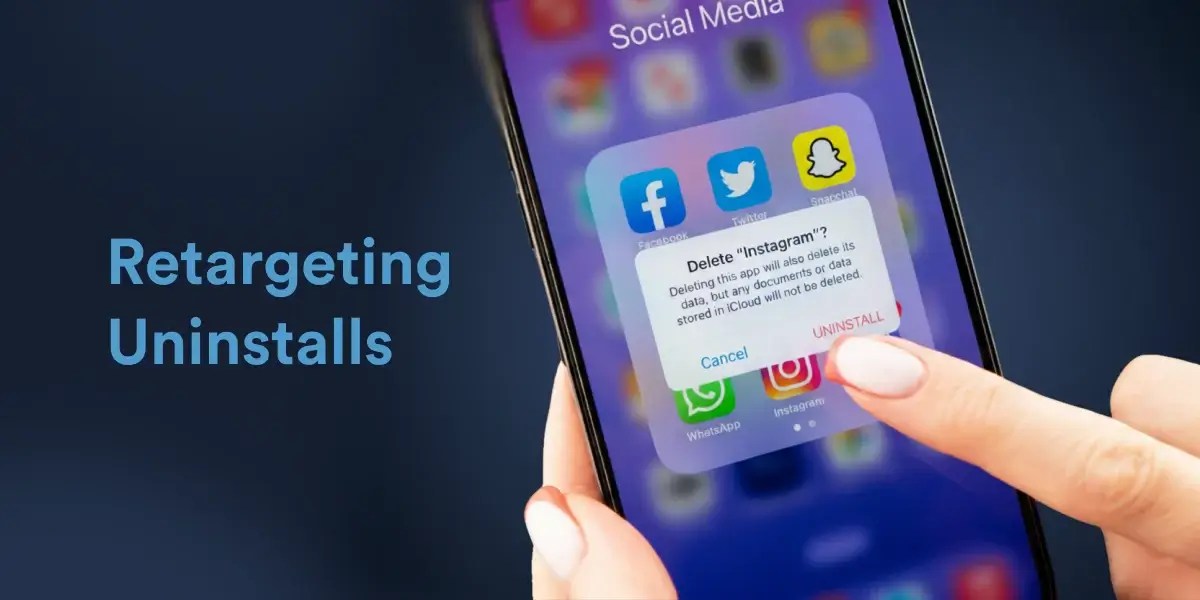
Today, I wish to talk about a problem which can often turn into a learning opportunity if utilized correctly i.e. App Uninstalls. There could be multiple reasons why a user uninstalls – whether it’s the App’s functionality, the user interface, reluctance towards paid membership, the size of the application, etc. However, fetching the answer to this becomes your learning curve.
Before I proceed on about the engagements around users who uninstall the app, let’s understand how CleverTap captures Uninstalls. There are 3 methods through which this is done:-
- Silent Push Notification (iOS)- By sending a silent push notification daily at 2:00 a.m., the validity of the token gets checked. An invalid token usually indicates that the app has been uninstalled. P.S: For detailed information on Android: click here.
- Real-time Uninstall Tracking (Android) – As soon as a user uninstalls the app. This real-time tracking is available only for Android devices. Read more.
- Push Notification Campaign – When a push notification cannot be delivered due to an invalid/expired token.
Now that the understanding is cleared, let’s see how we can have a look at our uninstalls in a glance. You can do this by going to Boards > Uninstall. The board will help you see New Activations Vs. App Uninstalls and the Uninstalls via different operating systems.
Coming to the engagement part, there are 2 ways one can go about it. Either you can take preventive measures or win back the uninstalled app users.
- Tracking Inactive users – In order to pre-empt App uninstalls, you can begin by retargeting users who have been inactive over the last month or over the last fortnight and re-engage them with their preferred section. Over time, once you have enough data/ time given you can also observe the particular user journey which leads to App uninstalls. For eg: A News App notices that users viewing the Tech category in the Blogs section are highly likely to uninstall the App because that section is in Beta and might crash occasionally while reading, leaving the user with an unpleasant experience.
- Retargeting users who have uninstalled the App – You can reach out to them via an Email or an SMS asking their feedback as to what went wrong. You can also have a form set which goes in an automated fashion to all the users who uninstall.
Ruchita comes with a decade of experience in Retention Marketing, and is now helping early-age startups turbo-charge their growth with CleverTap.